Meeting Room Audio Troubleshooting for IT Teams
RoomScore replaces “it sounds bad” helpdesk tickets with measurable acoustic data. Test any conference room's RT60, noise floor, and microphone coverage in under 10 minutes, then prioritize fixes based on what the data shows.
The IT audio complaint cycle
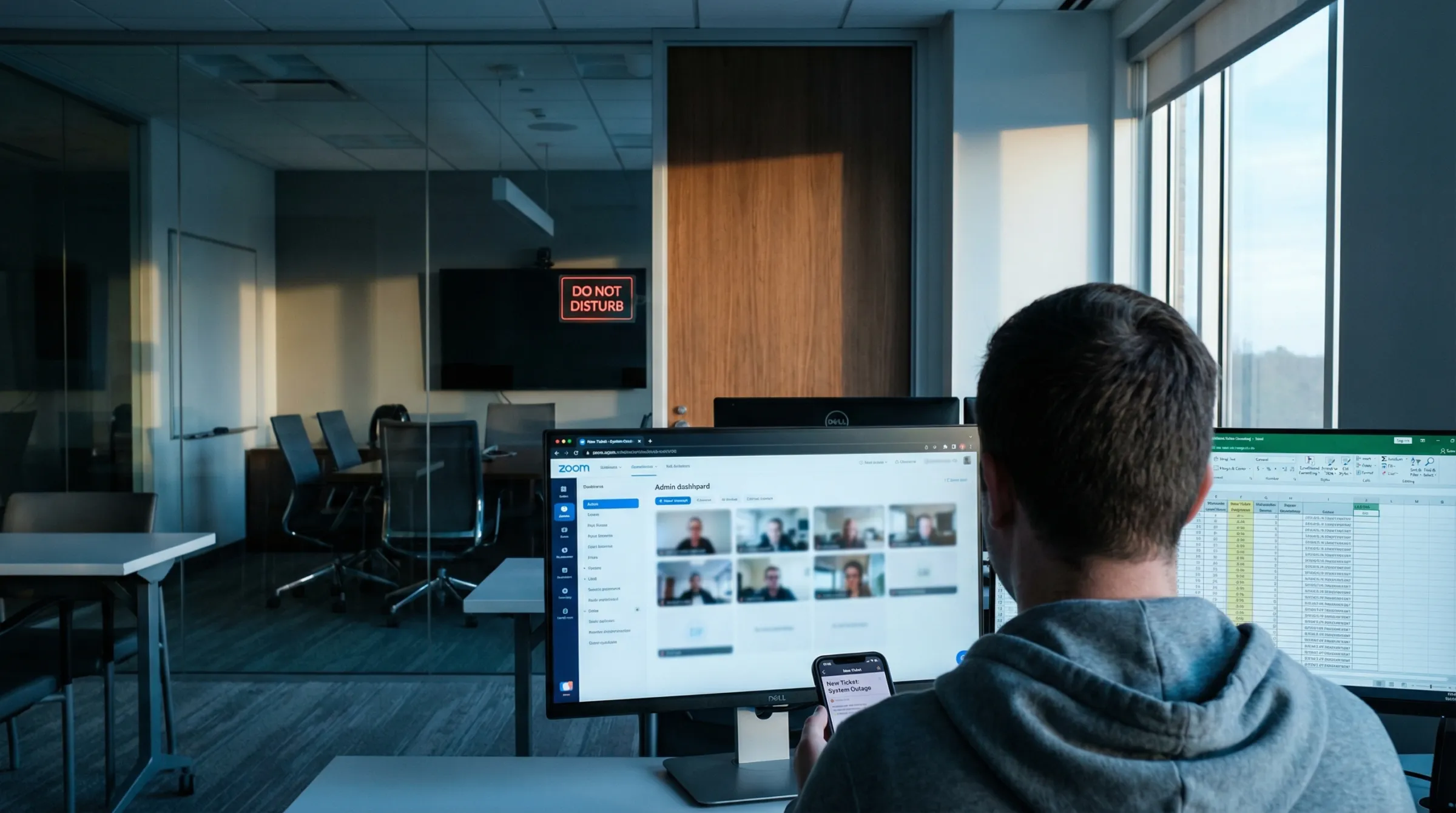
A user reports that 'Room 4B sounds terrible on Zoom.' IT checks the equipment, reboots the codec, confirms the mic is on — everything looks fine. The real problem is acoustic: excessive reverberation from glass walls, HVAC noise masking speech, or the mic array losing pickup beyond row two. Without measurement tools, IT can't distinguish equipment issues from room acoustic issues.
What RoomScore gives IT teams
- RT60 measurement: Quantifies echo/reverberation with a simple clap test — if RT60 is above 0.6s, the room needs acoustic treatment, not new equipment.
- Noise floor analysis: Spectral breakdown identifies whether complaints come from HVAC, electrical hum, or external noise bleed.
- Microphone coverage mapping: Walk the room during a test call to map where audio quality drops — data to share with facilities when requesting acoustic panels or equipment relocation.
- Equipment fit assessment: AI analysis evaluates whether the installed hardware matches the room's geometry and acoustic profile.
Troubleshooting workflows for IT
Learn how to diagnose and resolve meeting room audio issues with RoomScore:
Escalate with evidence, not opinions
When IT identifies that a room's acoustic score is below target, the PDF report gives facilities and leadership the evidence needed to approve treatment budgets. RoomScore's AI generates prioritized recommendations with budget tiers — from quick wins like repositioning speakers to longer-term fixes like ceiling baffles or wall panels.
Diagnose Room Audio Issues in Minutes
Measure RT60, noise, and coverage to resolve helpdesk audio complaints with data.
Start Free Room Diagnosis